
Whenever an order is assigned to you within Appraisal Firewall, you will need to manually assign the order to an appraisal group member you have set up. Group members will not be automatically assigned orders by Appraisal Firewall. Group members also will not be logging into Appraisal Firewall and will not receive system emails. As an appraiser administrator, you perform all work within the system on behalf of your members.
As an appraisal administrator of a group of appraisers, your workflow will look something like this:
1. Your client who has you in their appraisal rotation places an order.
2. The order is assigned to you.
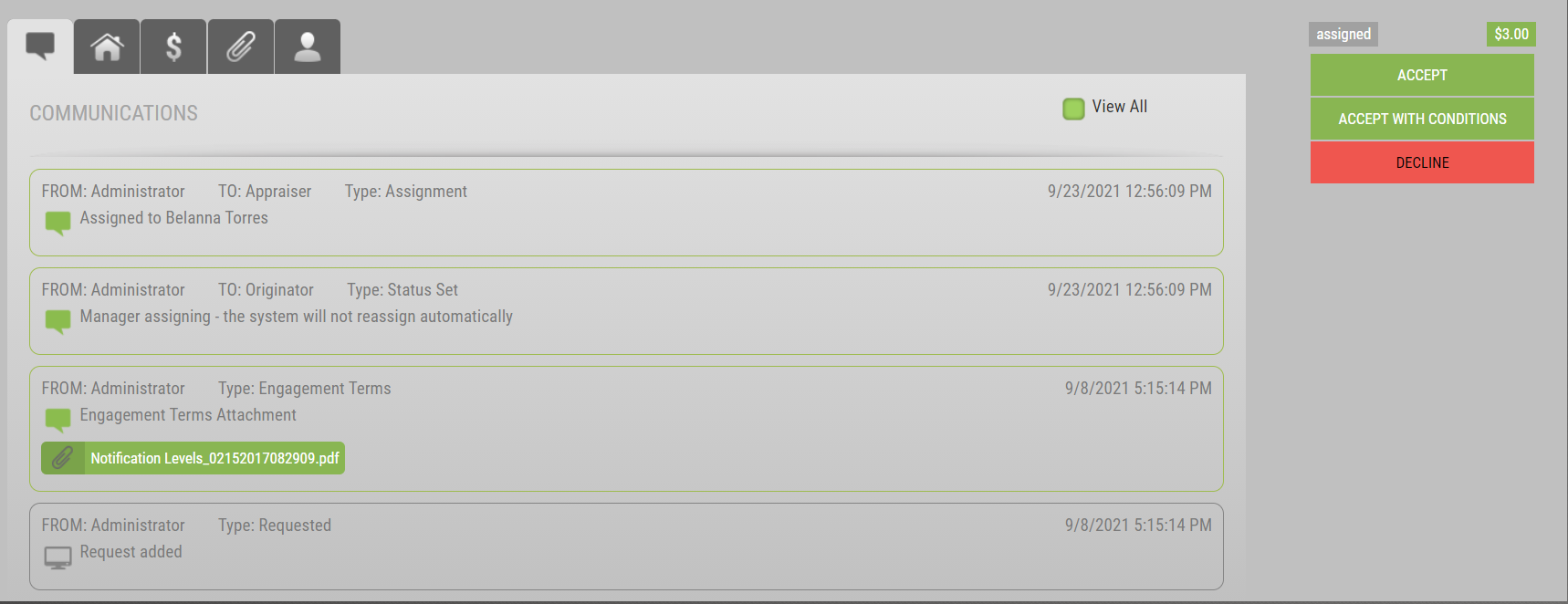
3. You open the order and click the Accept or Accept With Conditions (if the lender permits Conditional Acceptance) button.
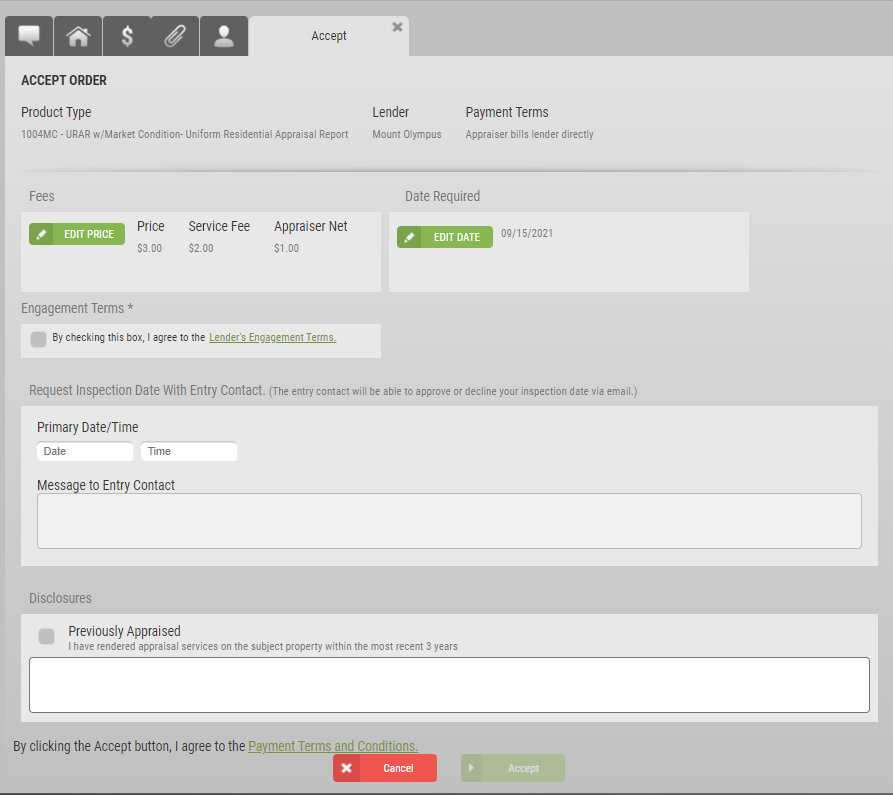
4. Accept the order in your standard process. Please note the Inspection Scheduler is an optional feature and not required to fulfill the acceptance process.
5. When you have accepted the order, you are taken to the Set Appraiser screen, where you will see your appraiser group individuals.
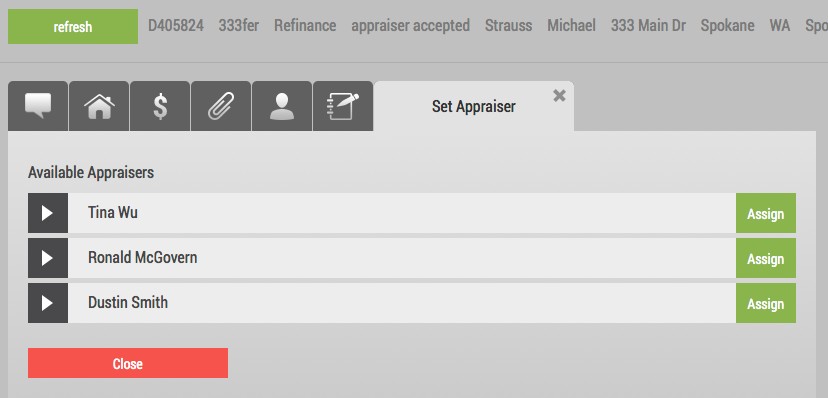
Note: if you do not see any of the appraisers in your group here, you may not have setup their service area for the area the order was placed in. Double-check and adjust the service areas in your appraiser group, then return to the Set Appraiser screen. Additionally, lenders will need to enable new appraiser members on their panel to ensure the appraiser member is eligible for assignment.
6. Locate the appraiser you want to assign to the order and click the corresponding Assign button for that appraiser.
7. The order is then assigned out of your name, and into the name of the appraiser you selected.
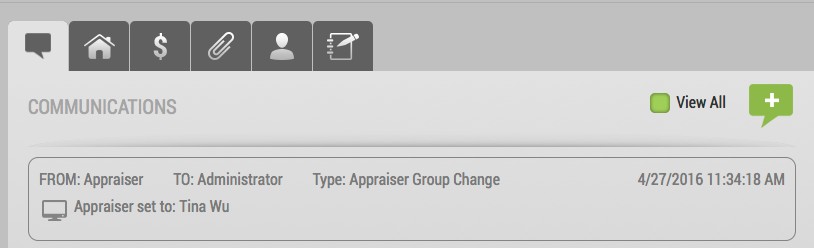
8. The Communications Log displays the activity of you assigning the appraiser.
9. At any time, you can go into the order and set a different appraiser from the Set Appraiser button at right.
Your appraiser will then service the order and move it toward completion. When it is ready, you will need to get the electronic appraisal, then deliver it to the lender just as you normally would.